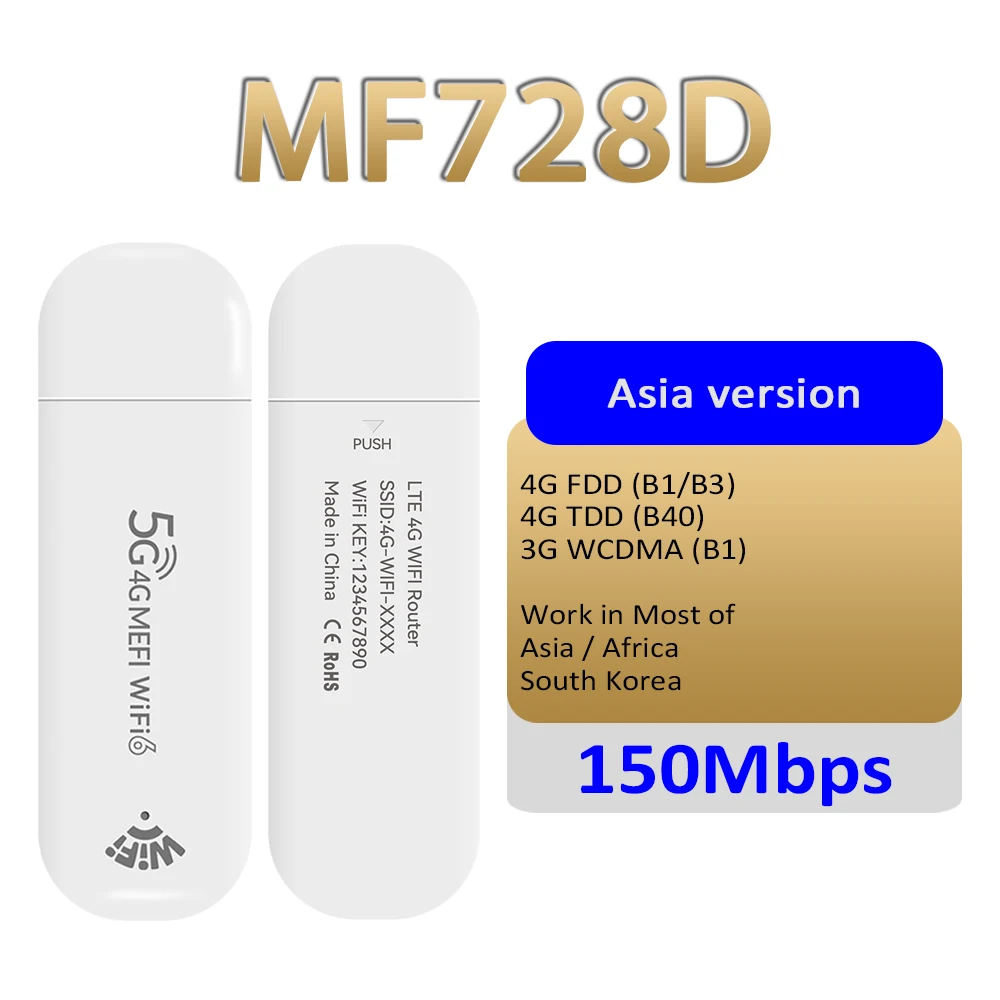
📶 Pocket-Sized & Global Connectivity
-
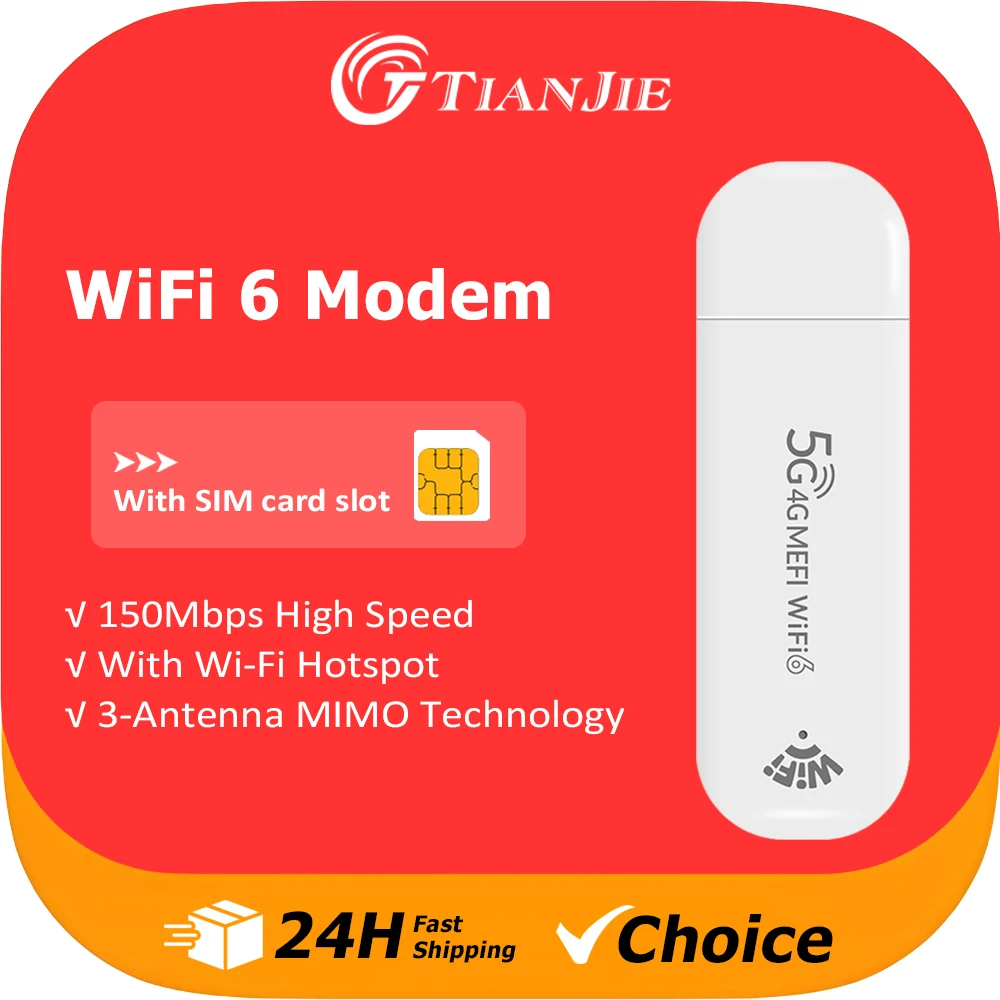
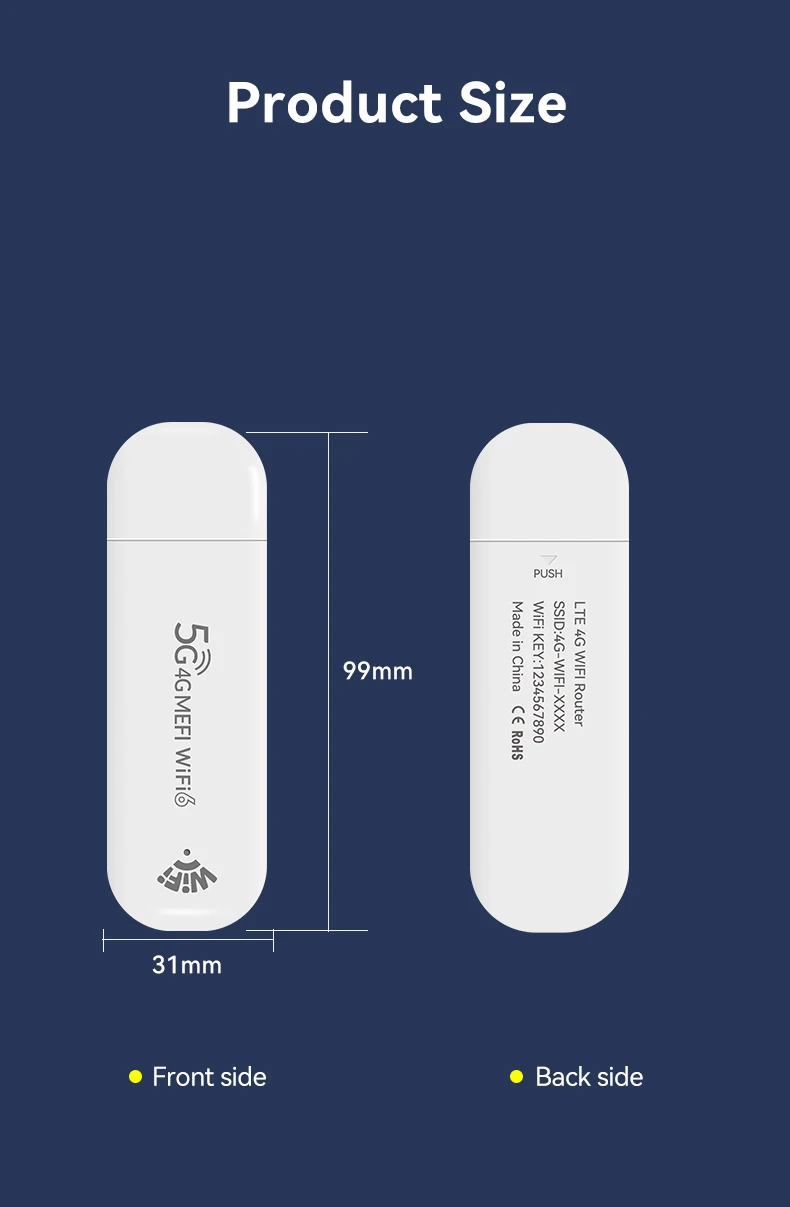
Tiny Yet Mighty: Just 10*3*1CM and 23g—smaller than a smartphone, perfect for pockets, bags, or even keychains. Ideal for travel, outdoor live streaming, and on-the-go work.
-
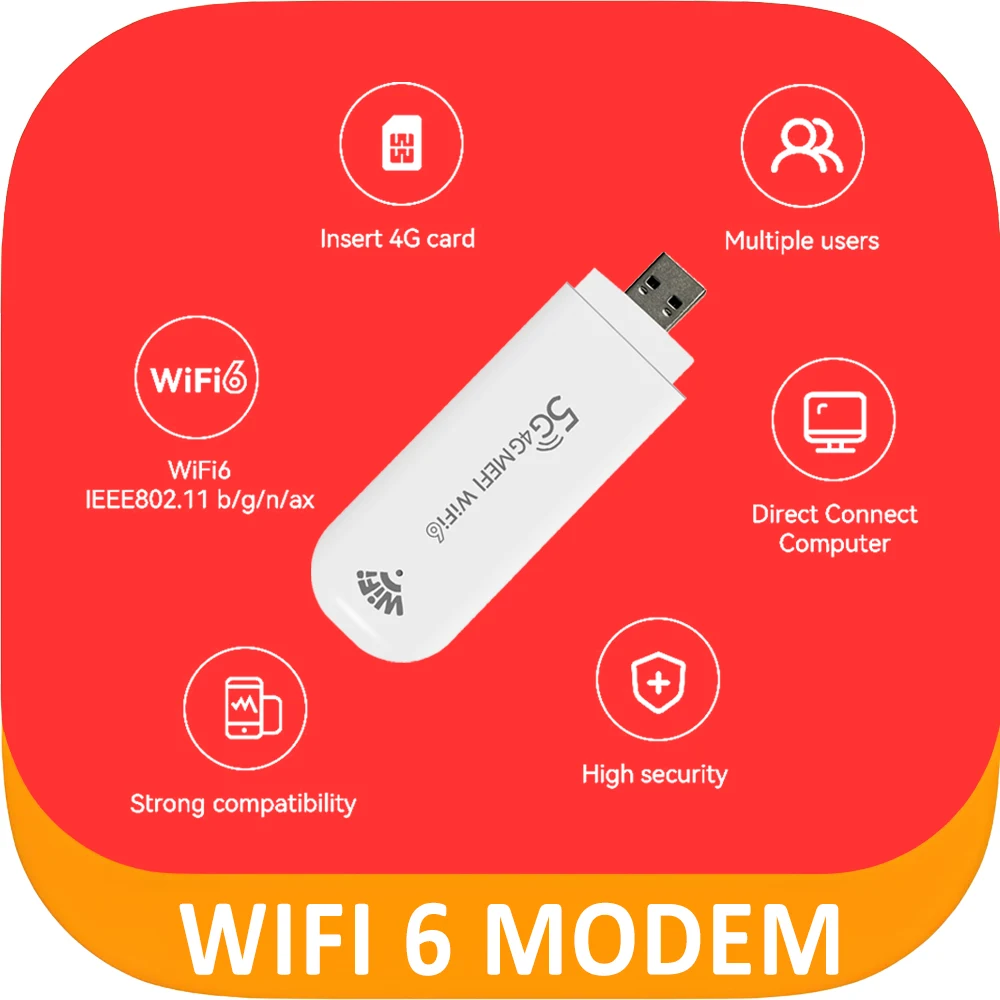
3-Antenna MIMO Technology: Built-in high-gain antennas with Wi-Fi 6 (802.11ax) boost signal penetration by 30%, ensuring stable connections through walls, furniture, and crowded environments.
🌐 150Mbps Speed for 10 Devices
-
Wi-Fi 6 2.4G Performance: 150Mbps ultra-fast speed supports 4K streaming, lag-free gaming, and smooth video calls—even with 10 devices connected (phones, tablets, laptops, gaming consoles).
-
ASR1803 Chipset: Low-power, high-efficiency processor optimizes network allocation for seamless multitasking.
🔒 Secure Private Network
-
WPA/PSK Encryption: Protects against public Wi-Fi threats and data theft, keeping your online banking, work files, and personal data safe.
-
Instant Hotspot: Insert a SIM card (not included) to create a private network anywhere—hotels, airports, and cafes are no longer risky.
🌍 Global Band Compatibility
-
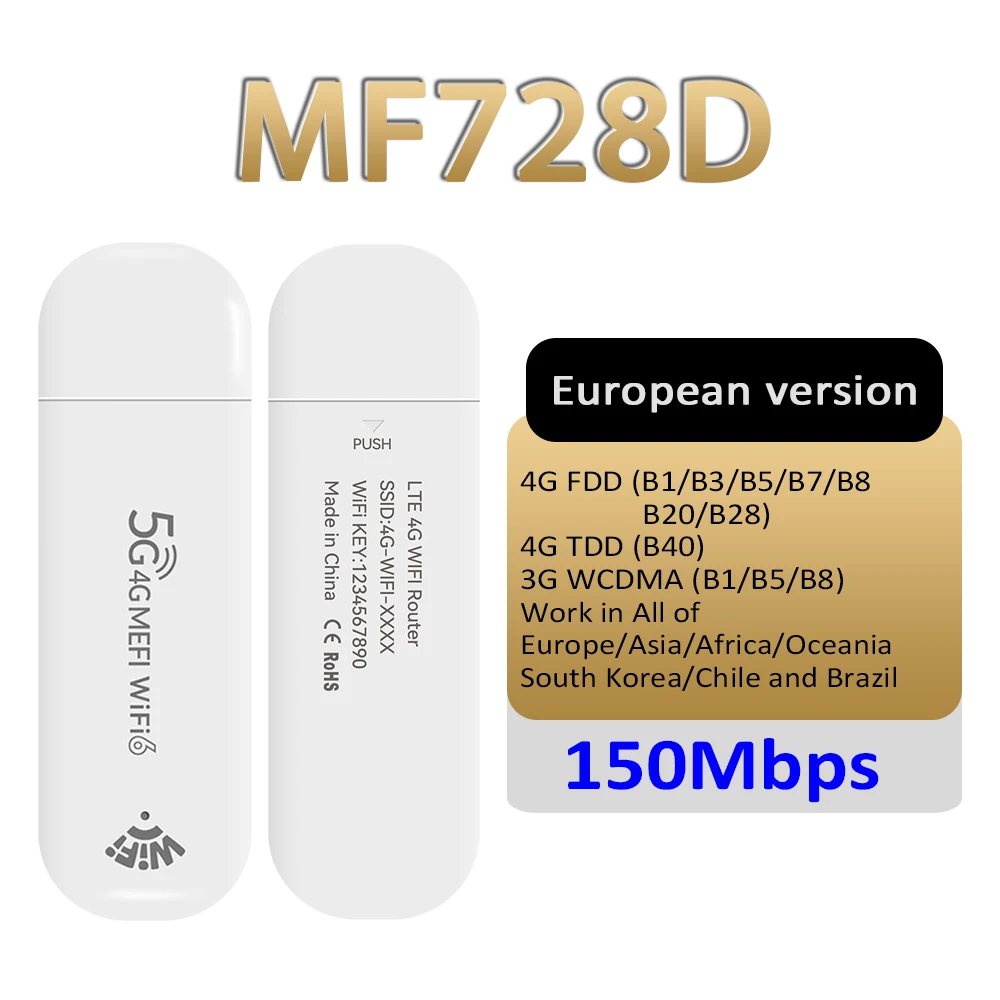
Supported Bands: B1/B3/B5/B7/B8/B12/B17/B20/B28/B40/B66, working in 100+ countries across Europe (Germany/France/Spain), Asia (Korea/India), North America (Brazil), and Africa (Nigeria/Ghana).
-
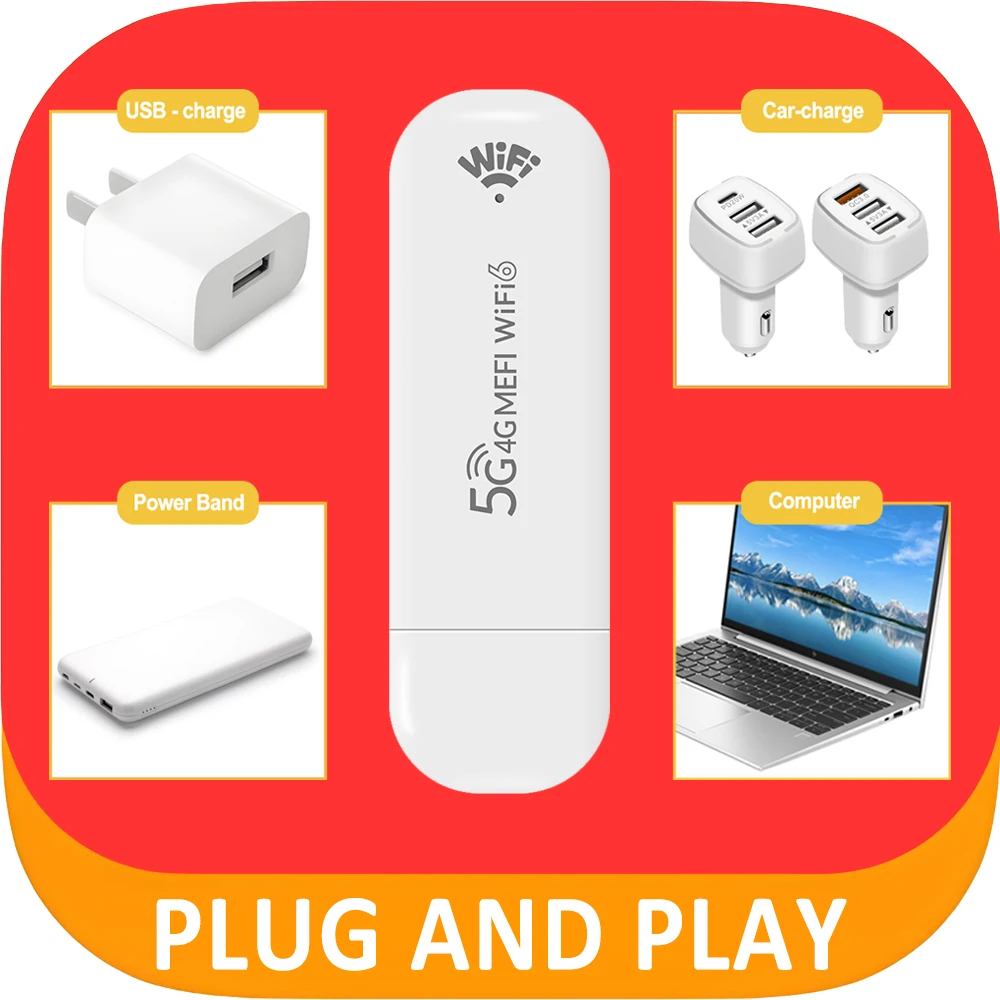
Plug & Play: No setup needed. Connect to a power bank, car charger, or laptop USB port—internet starts instantly.
💡 Smart Design for Easy Use
-
Status Indicator: Clearly shows signal strength and connection status at a glance.
-
Efficient Cooling: Engineered for heat dissipation, ensuring 24/7 stable operation without overheating.


 FQA:
FQA:
Q. Is the router a device that needs charging?
A. No. The router operates as long as it is connected to a power source. (It works when plugged into adapters, computer USB-A ports, etc.)
Q. Does the router take a long time to start up?
A. Similar to turning on a mobile phone, the boot time is approximately 30 seconds after connecting to power.
During initial use, up to 3 restarts (reconnections) may be needed to connect to the network.
Q. Can I use a car charger?
A. Yes, by connecting an adapter that converts the USB port.
Q. I forgot the password.
A. Open the back cover of the product, press and hold the RESET button for 5 seconds to reset the password and settings.
Q. Can I use a budget mobile plan?
A. Yes, you can.
Q. Can I use it overseas?
A. It is compatible with USIM cards that have international roaming activated. In other words, it works in countries where the supported bands (B1/B2/B3/B4/B5/B7/B8/B12/B17/B28/B40/B66) are available.
Q. Can I use the SIM card from my old phone?
A. Yes, you can safely use the SIM card that was previously used in your phone. However, after using it in the router, reconnecting it to your old phone may take a moment to find the signal.
Q. Can I hide the Wi-Fi (hide SSID)?
A. Yes. After connecting to the router, you can configure this in the management page