SPECIFICATIONS
Audio Crossover: Full-Range
Battery: Yes
Brand Name: HBXINTAO
Cabinet Material: Plastic
Category: Speakers
Channels: 2 (2.0)
Communication: Induction
Hign-concerned Chemical: None
Inbox adaptor: No
Input Power(W): <25 W
Input/Output: USB
Intelligent Personal Assistant: None
Number of Loudspeaker Enclosure: 1
Origin: Mainland China
Power Source: USB,Battery
Sound Mode: Stereo Sound Mode
Speaker Type: Computer Speaker
Support APP: No
Use: Home
Voice Control: No
Waterproof: No
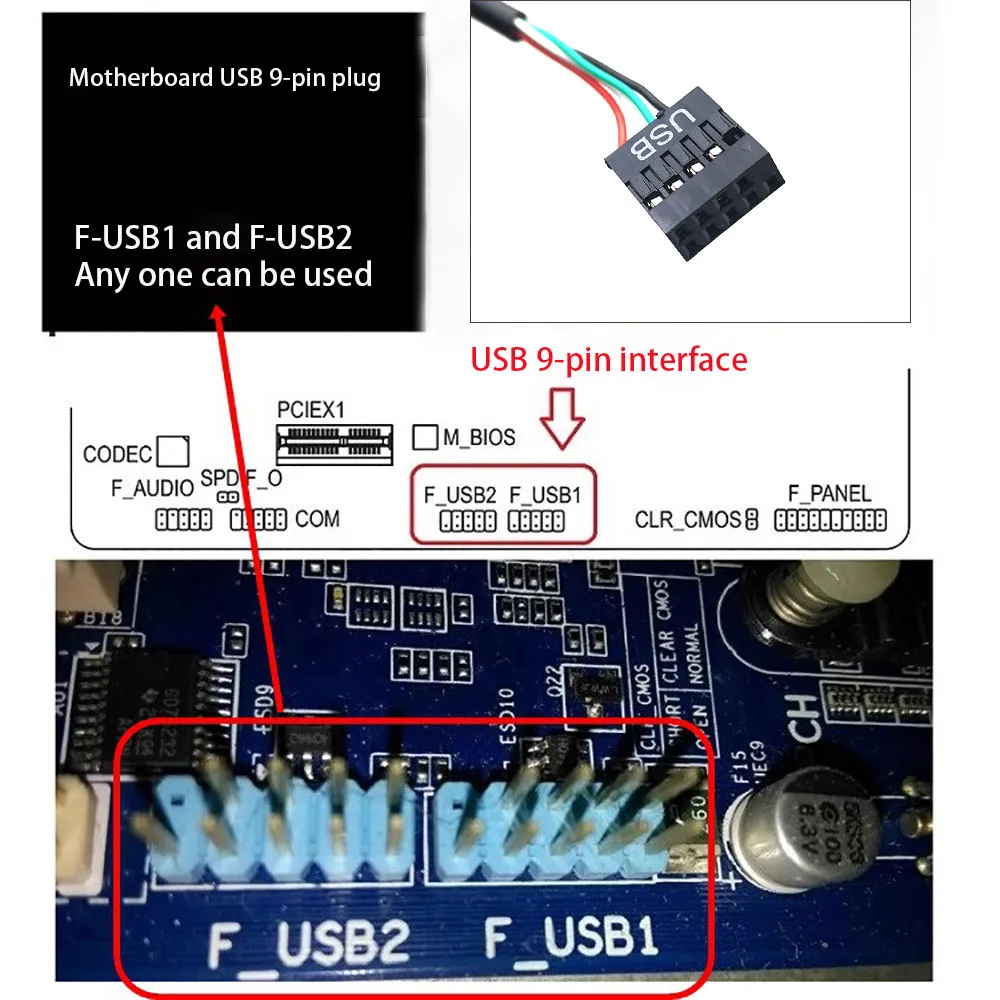
Installation precautions and reasons for the continuous popping sound:
1. Insert while shutting down
2. If you plug it in after booting up, you need to plug it in correctly at once. If you plug it in incorrectly, you need to unplug the speaker, restore the BIOS, and then plug it back in again. Otherwise, after restarting, it will make a continuous beep and burn out the speaker
Cause analysis: If the USB device is plugged in the wrong cable for the first time and the interface is misplaced, the computer can recognize it after re plugging it in. After restarting, the BIOS lists this USB device as a fault and does not perform normal power supply recognition, causing it to beep incessantly.
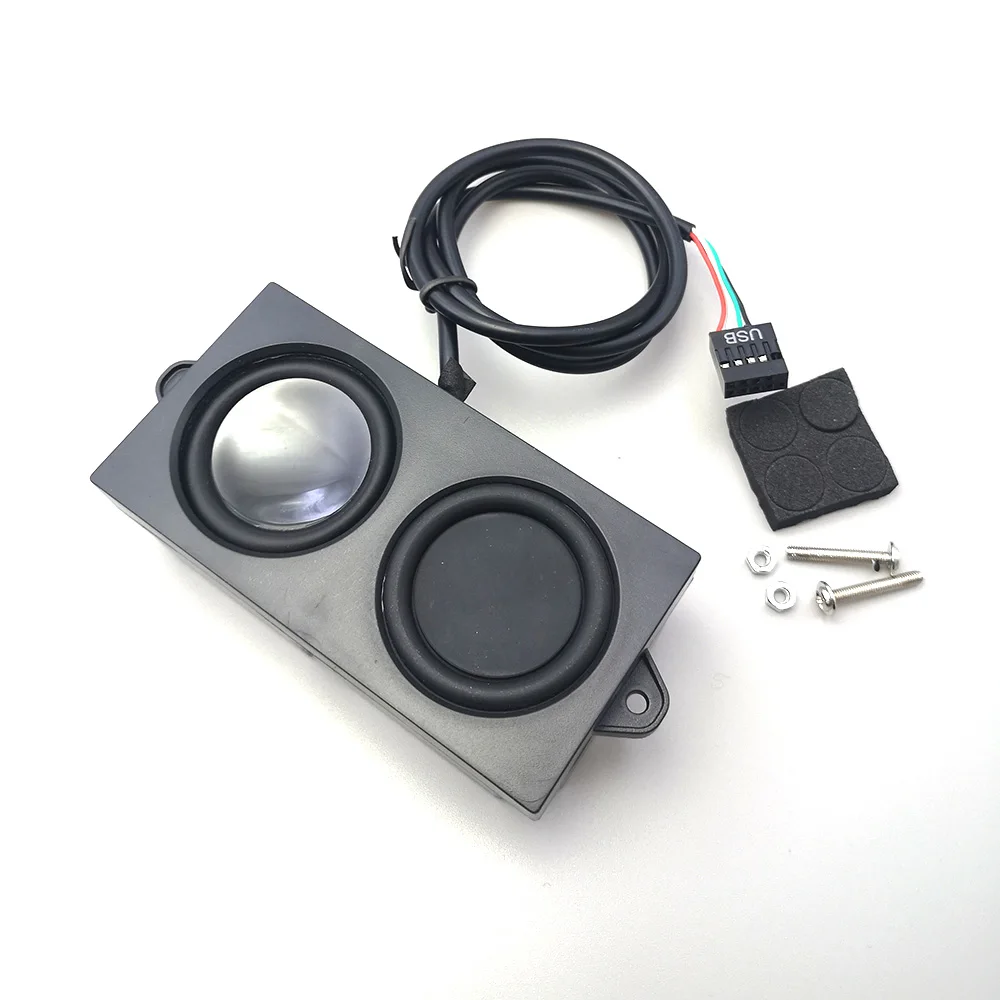
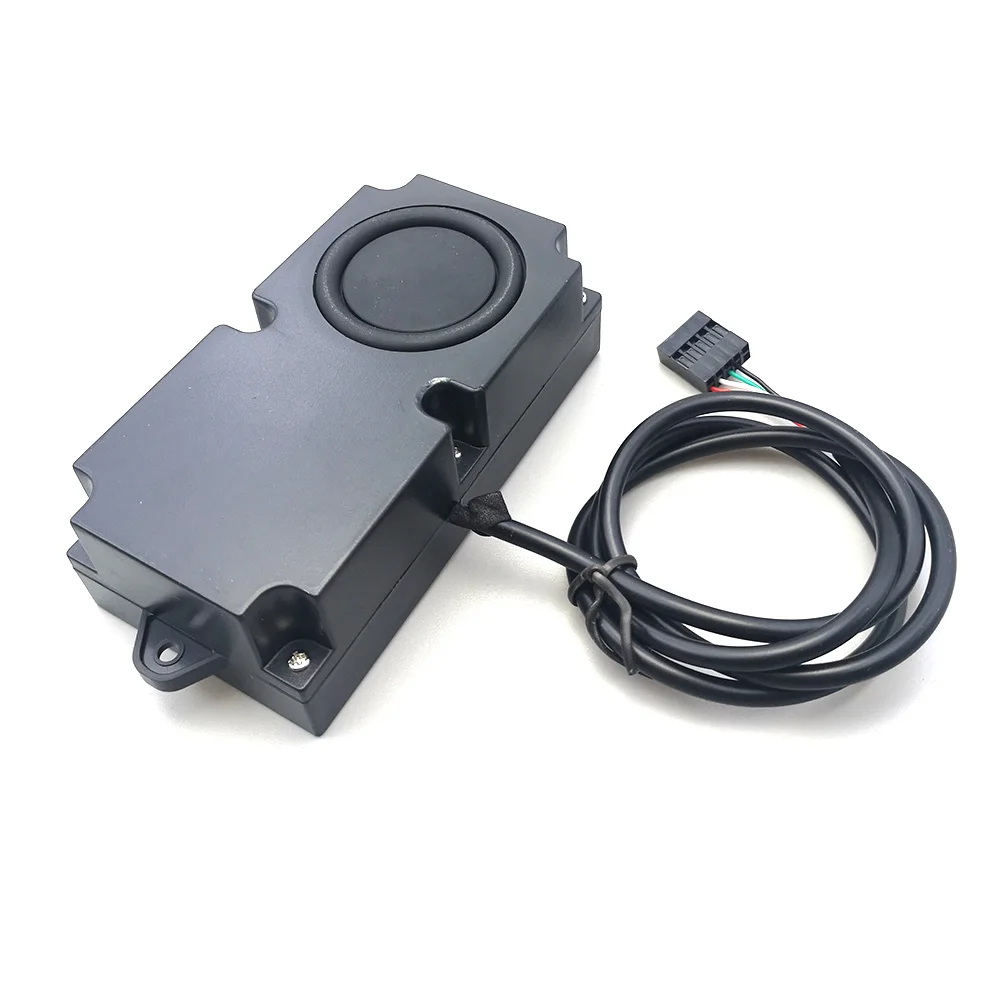
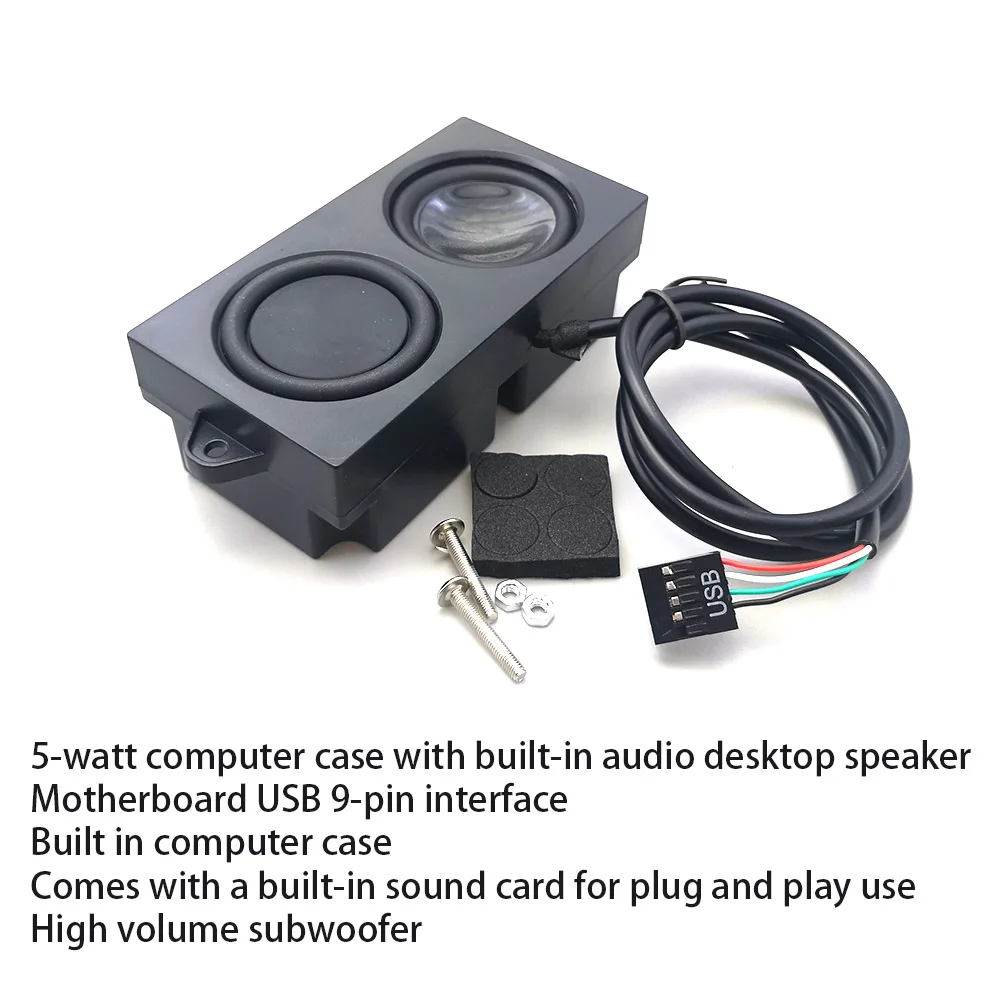
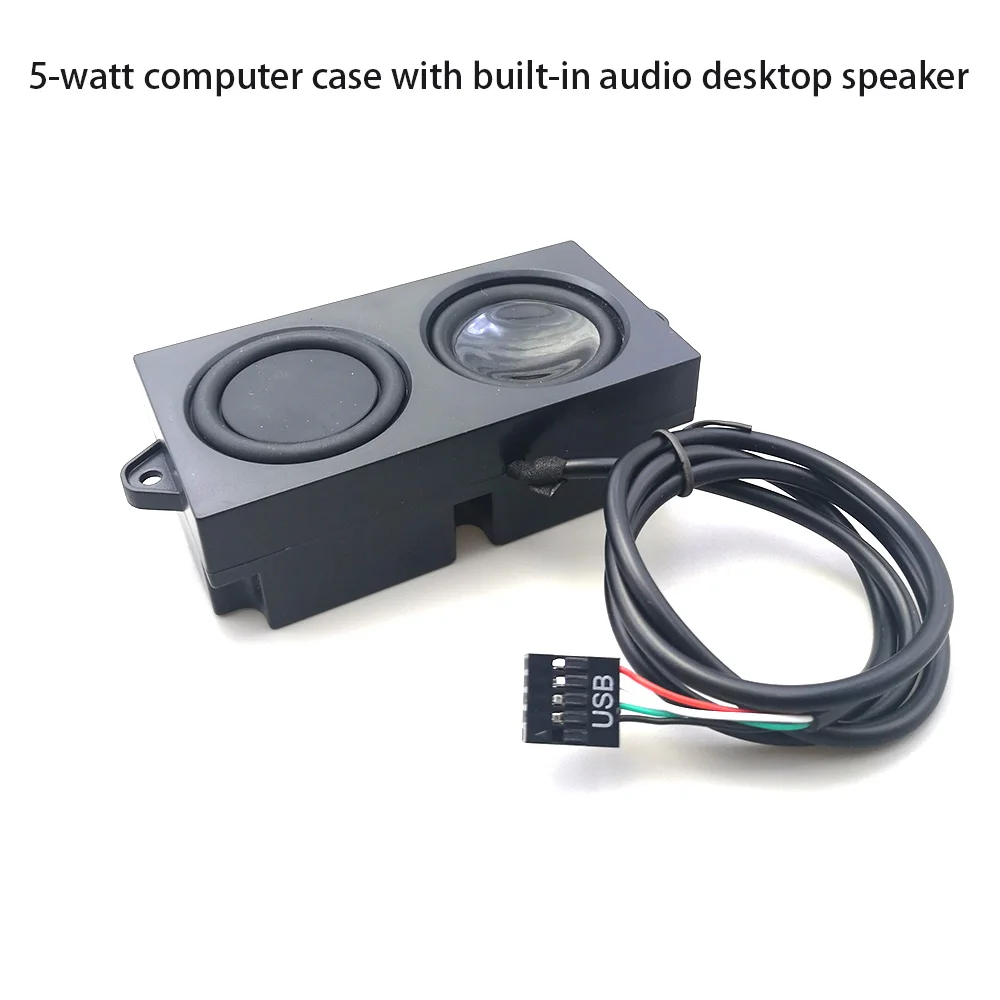
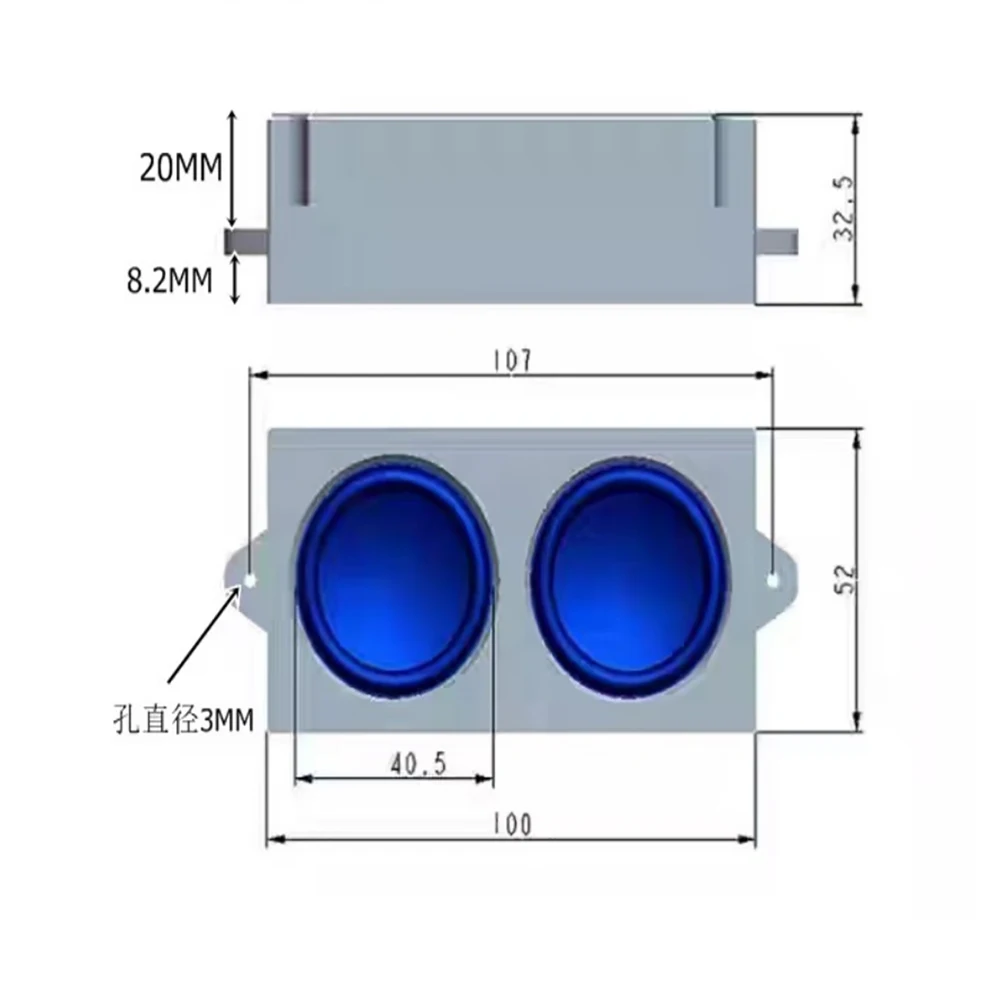
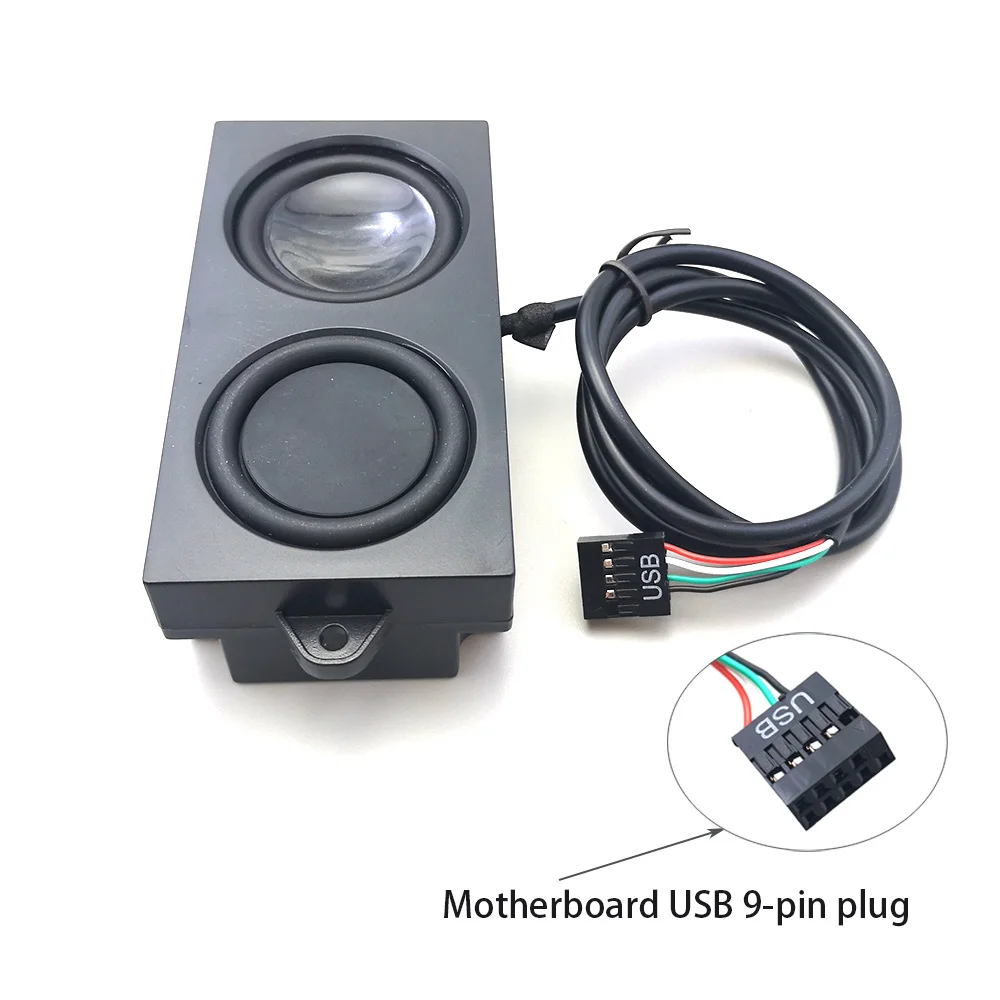
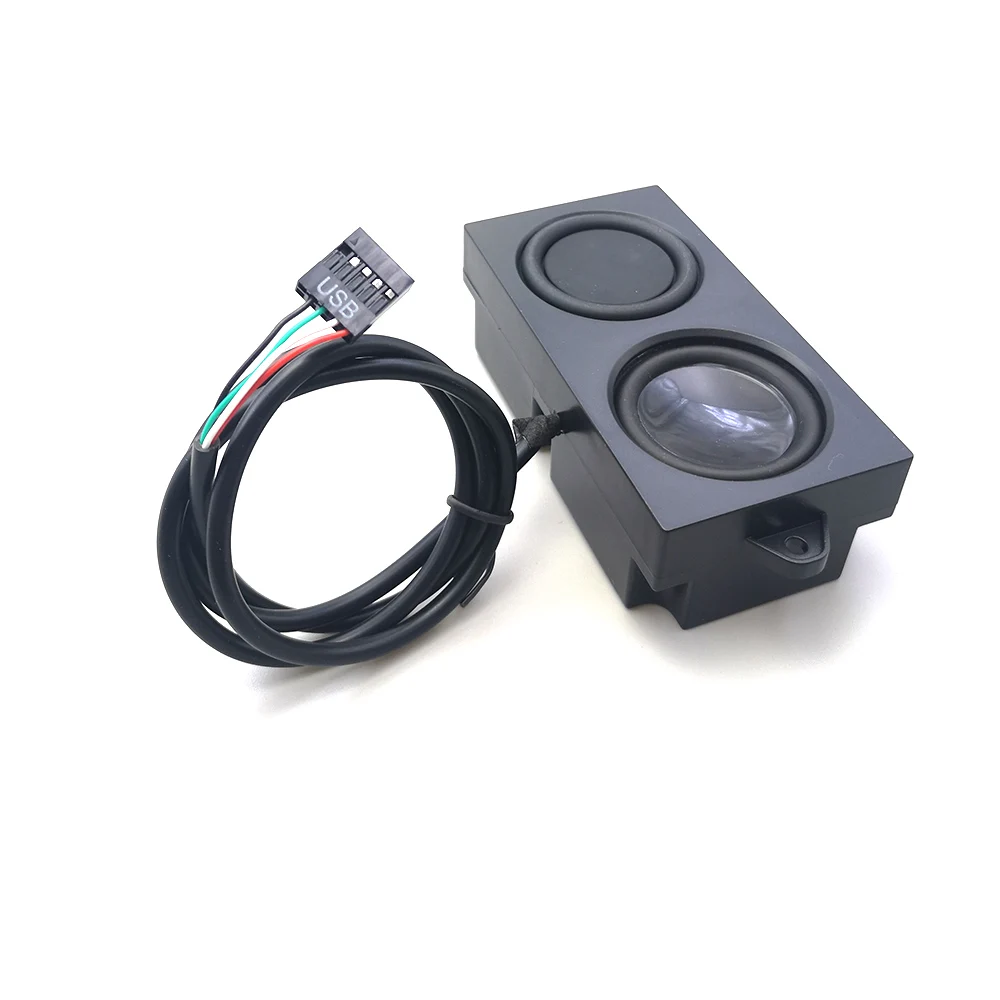
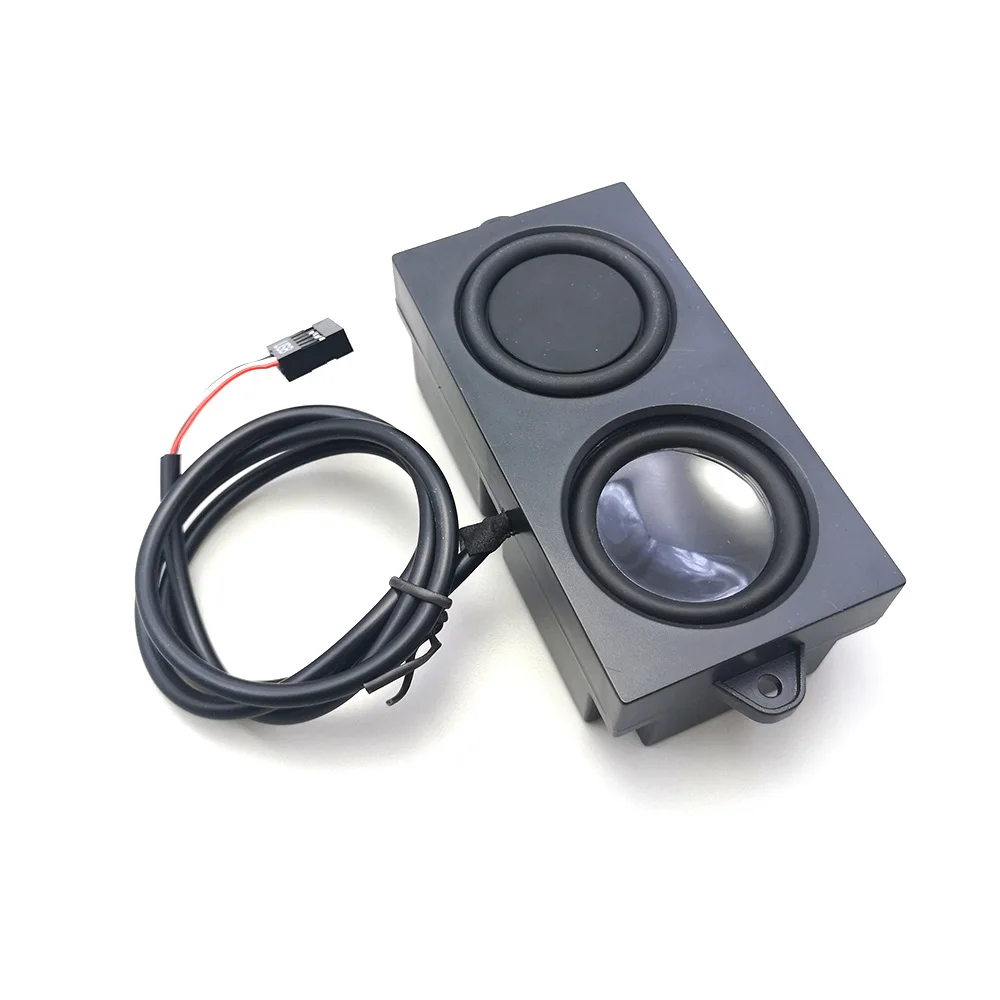
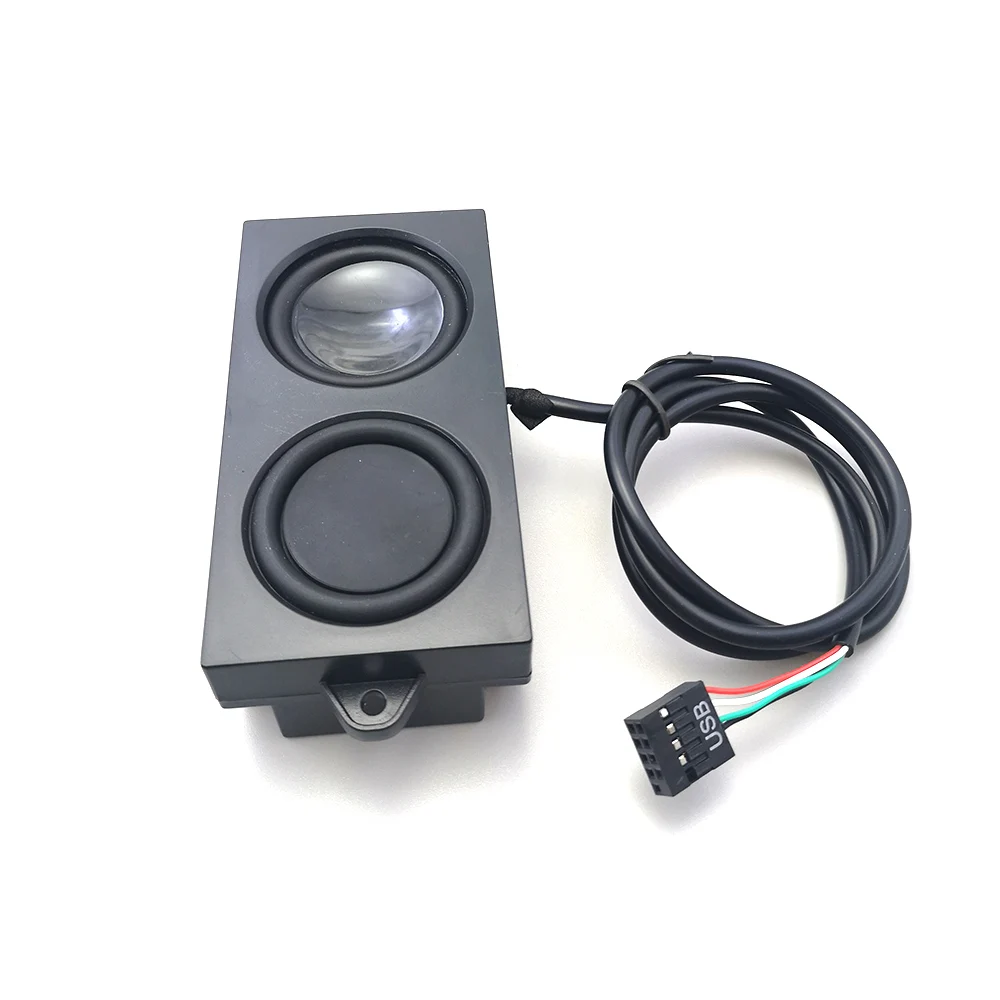
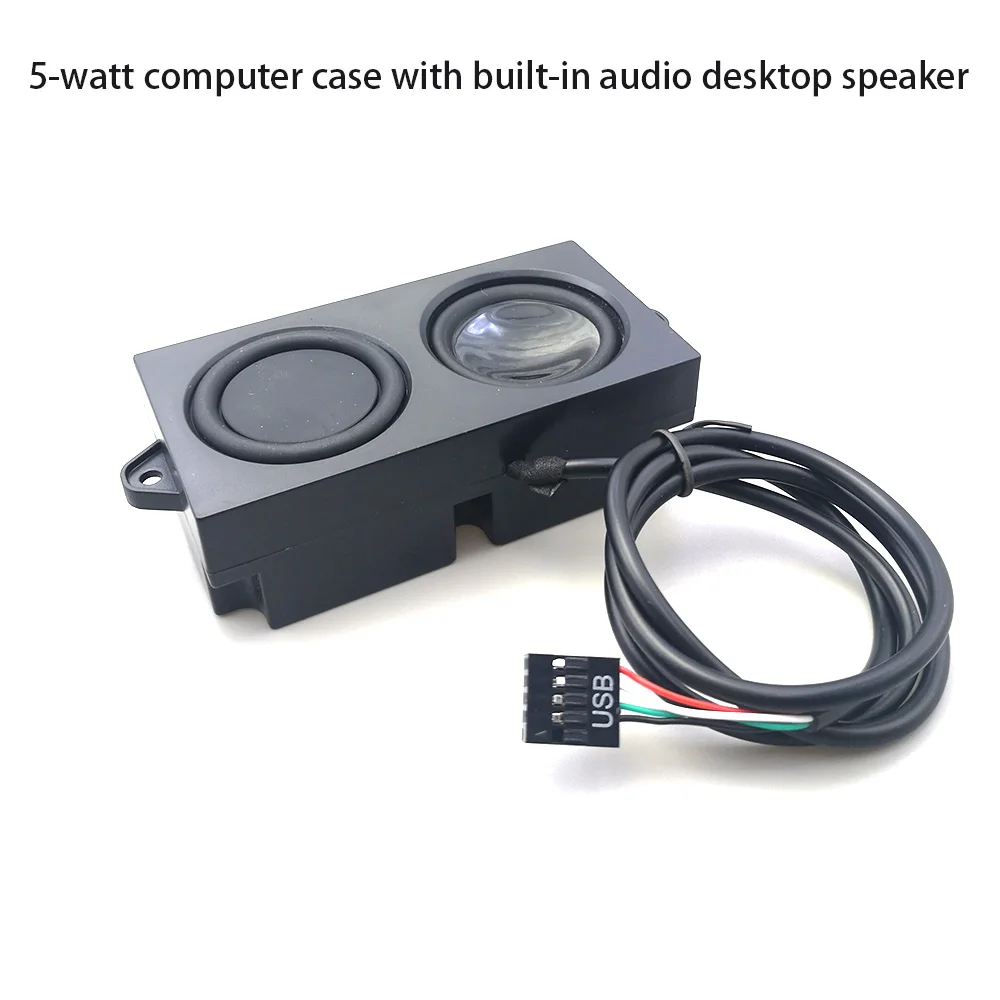
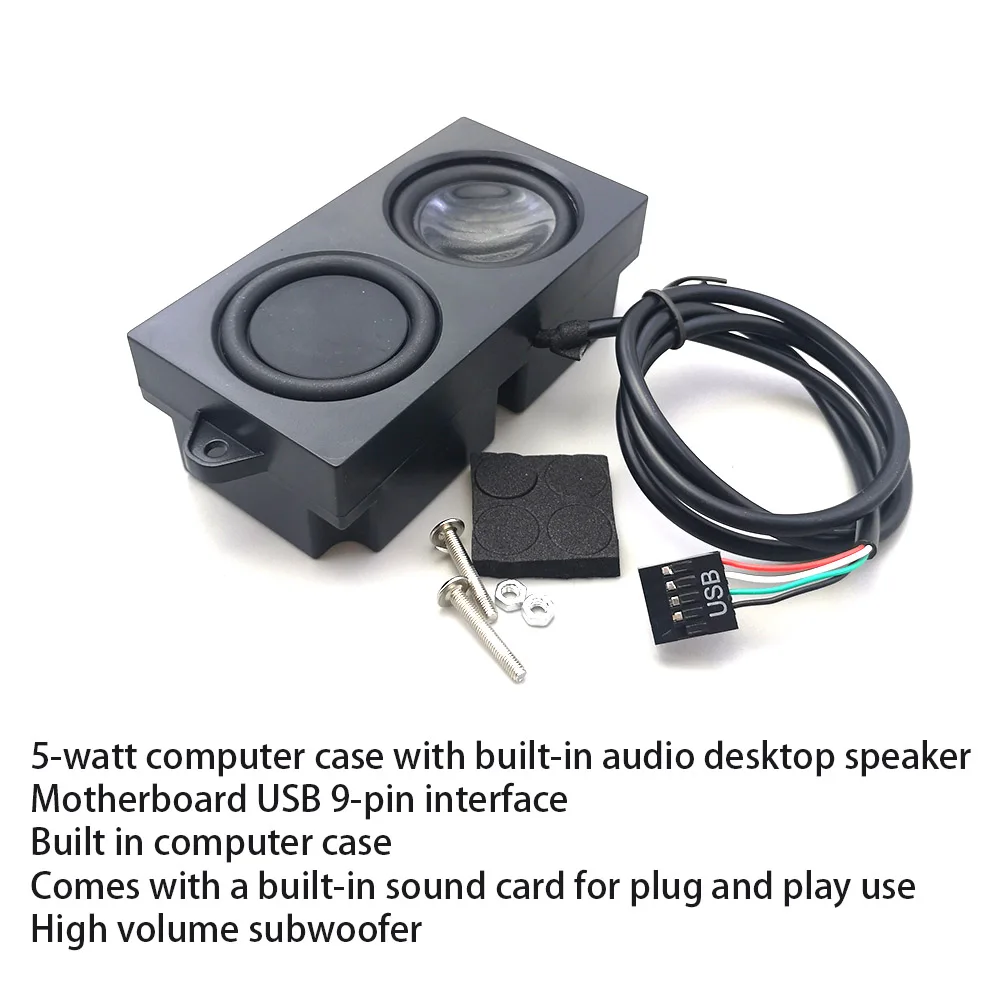
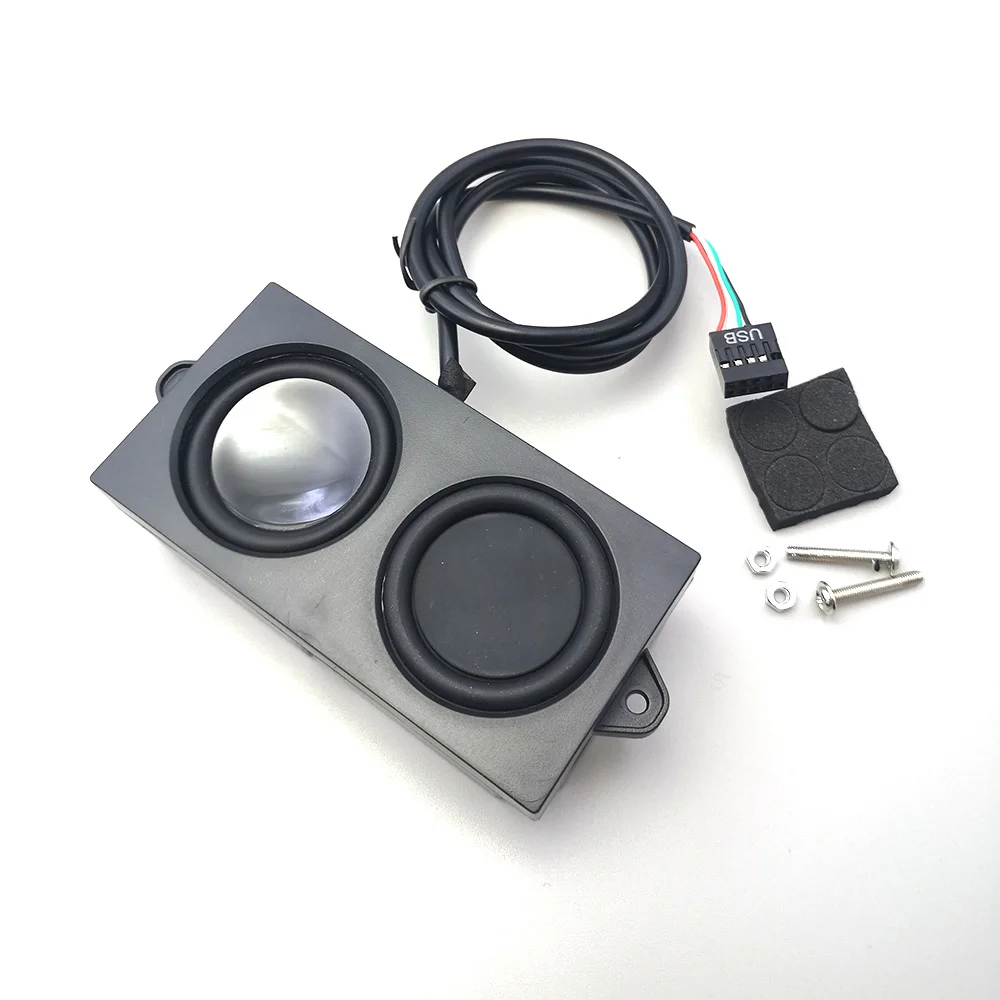
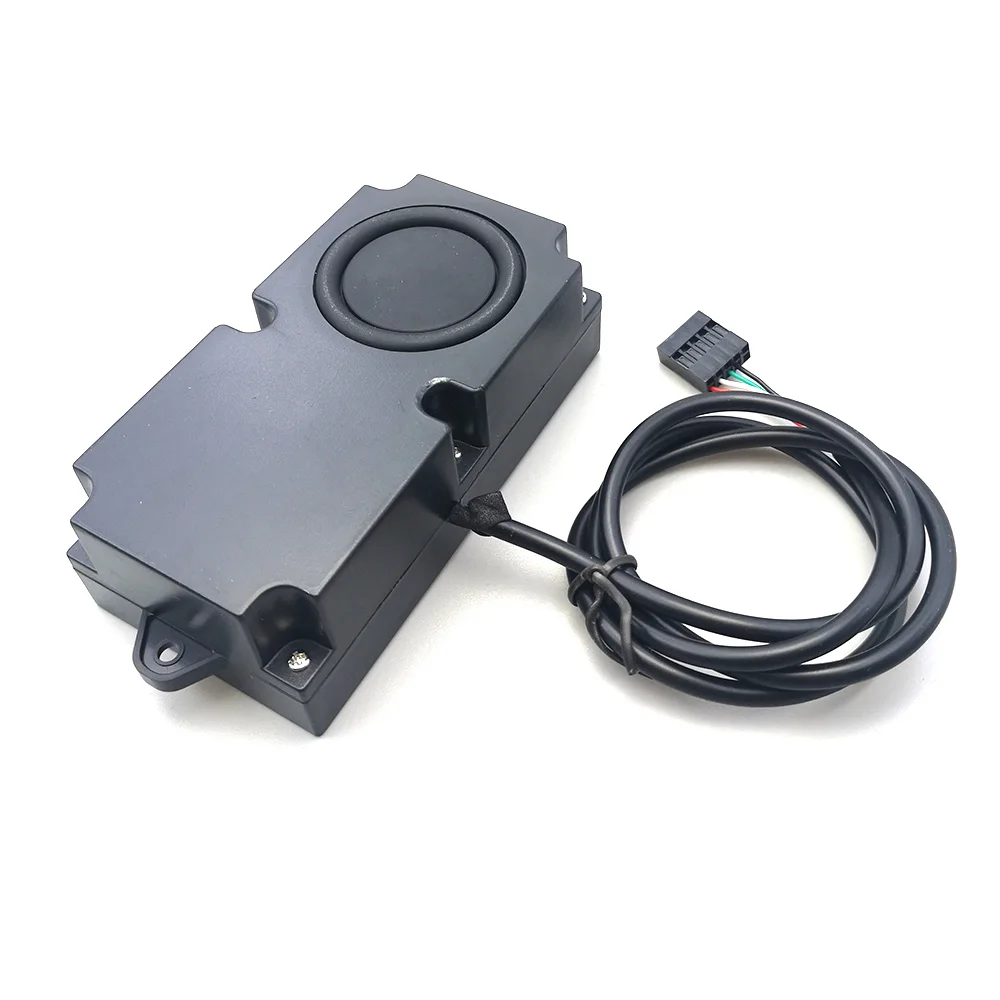
Computer case with built-in speakers and speakers
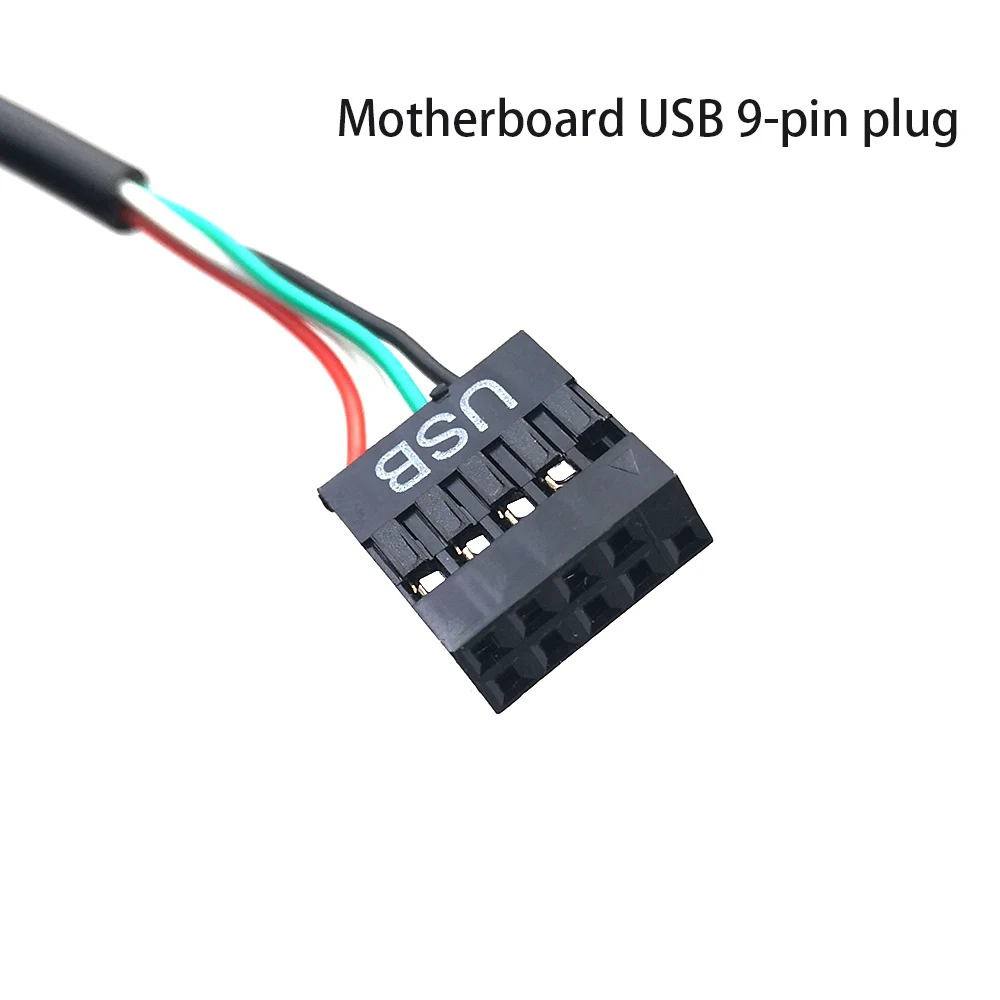
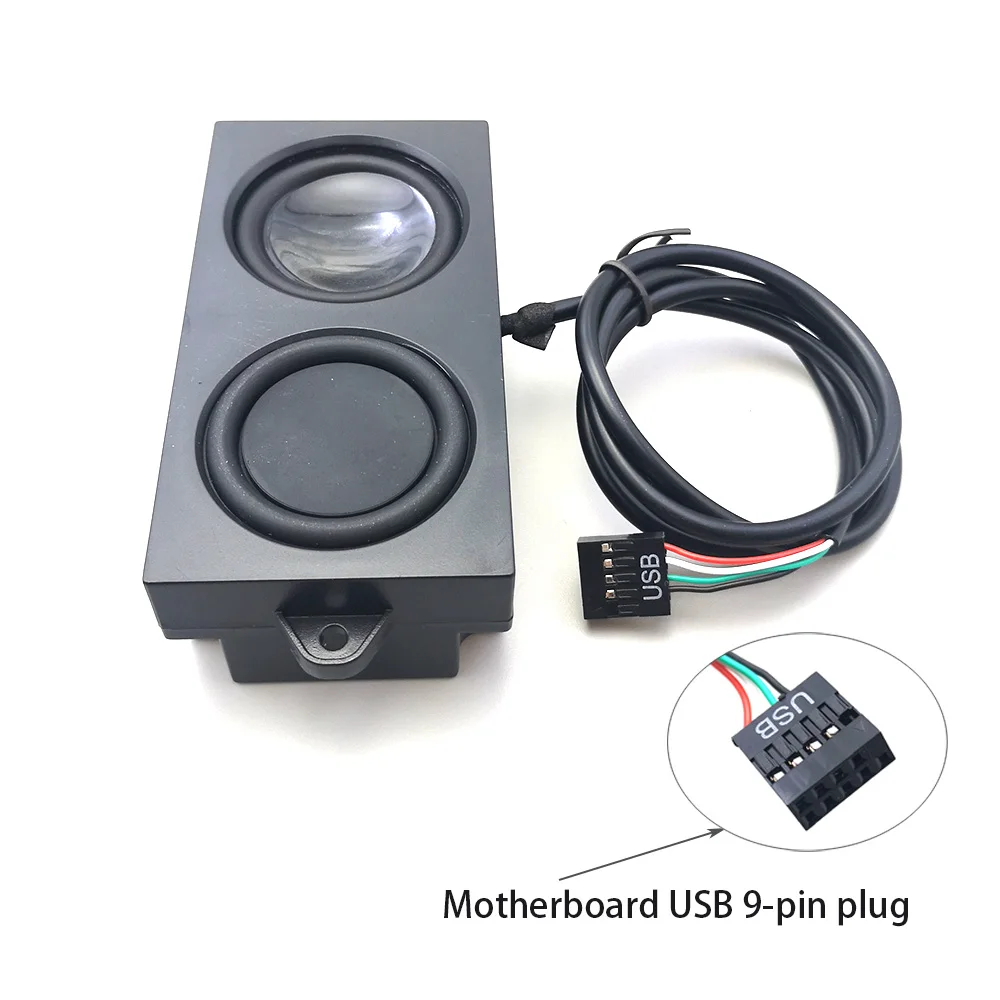
Desktop motherboard USB 9-pin interface
Equipped with a USB sound card, only one cable is needed for plug and play, which can be built into the computer case